Parametric 3D CAD,
right in your browser.
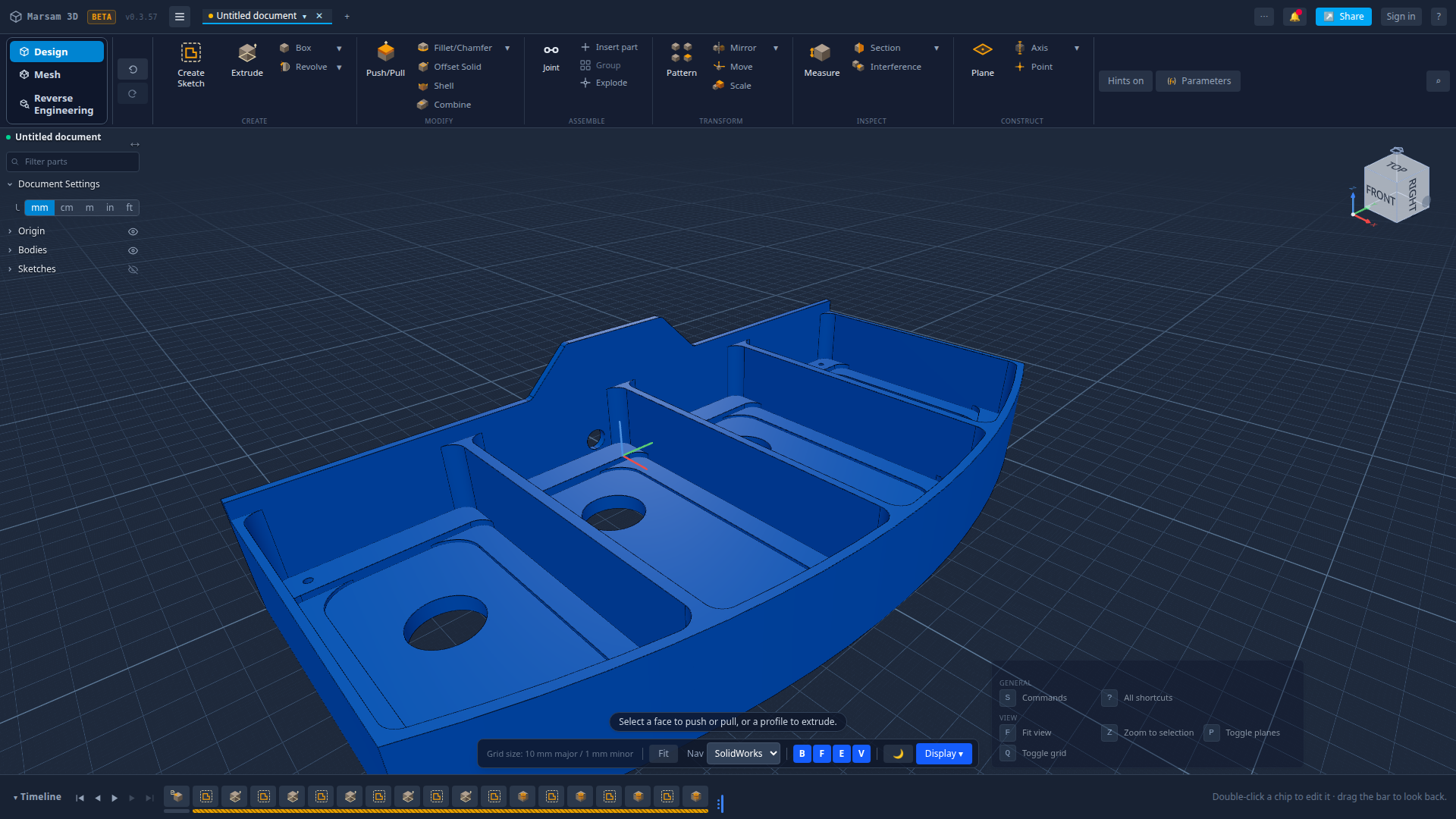
Marsam 3D is a free, browser-based parametric modeler — sketch a profile, extrude or revolve it into a real solid, and edit any step from a live feature timeline. Open a STEP file and it reads the part back into steps you can change.
A real CAD workflow, in a tab
The essentials of parametric modeling — nothing to set up.
Parametric feature timeline
Every step is recorded in an editable history. Go back, change a dimension, and the model rebuilds itself.
Open a STEP file, get steps back
Most tools import a part as one frozen lump. Marsam works out how it was made and offers to turn it into pockets, holes and profiles you can edit.
Sketch & constrain
Draw lines, arcs, circles, rectangles and slots, then lock them down with geometric and dimensional constraints.
Extrude, revolve, round and cut
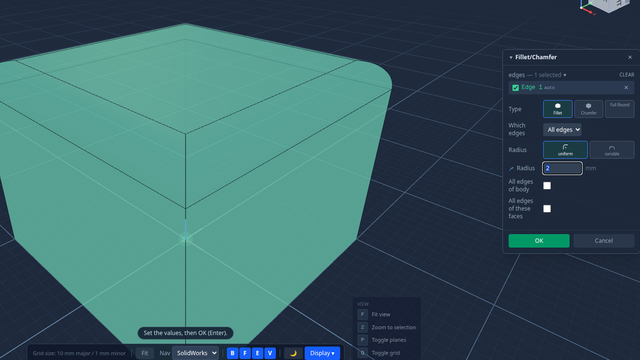
The solid tools you expect — extrude, revolve, fillet, chamfer, shell and split — and the part tells you what it weighs as you go: mass for the material you pick, volume, surface area and centre of mass.
Runs offline as an app
Works entirely in your browser — and installs as a desktop app so you can model even with no connection.
Export STEP, STL, 3MF & OBJ
Take your model anywhere — export to STEP for CAD, STL and 3MF for 3D printing, OBJ for everything else — and DXF from any sketch.
Configurations & versions
Keep named variations of a part and snapshot versions of your document, so you can explore without losing work.
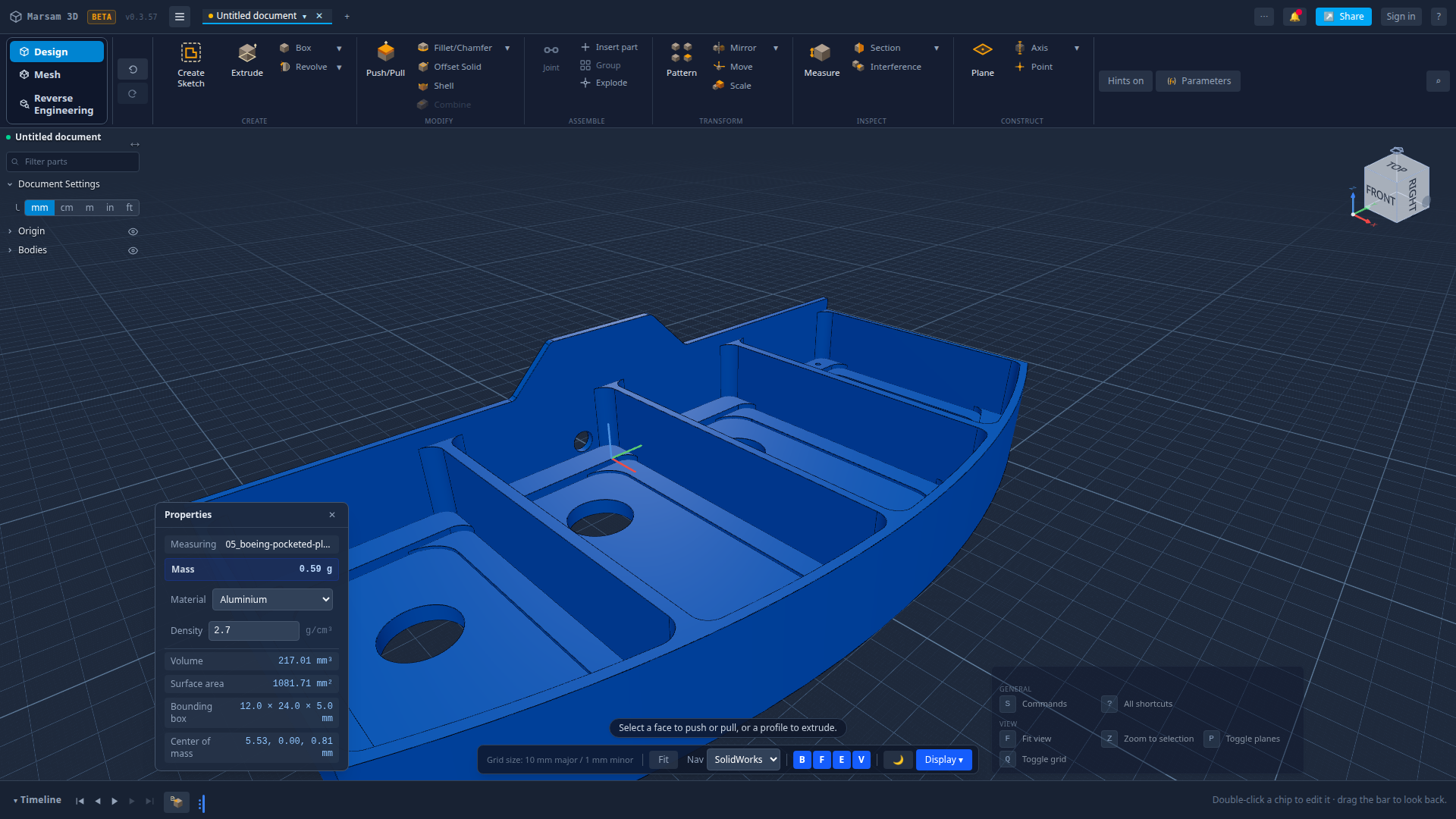
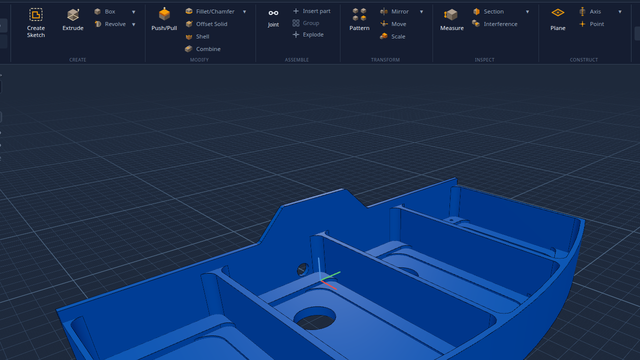
This is the same part the moment it lands: one frozen solid, one entry on the timeline. Marsam then works out how it was made — the picture at the top is what you get back, the same part rebuilt as pockets, holes and profiles you can edit.
How to do the common jobs
Short, plain-English walk-throughs. No account needed to follow along.
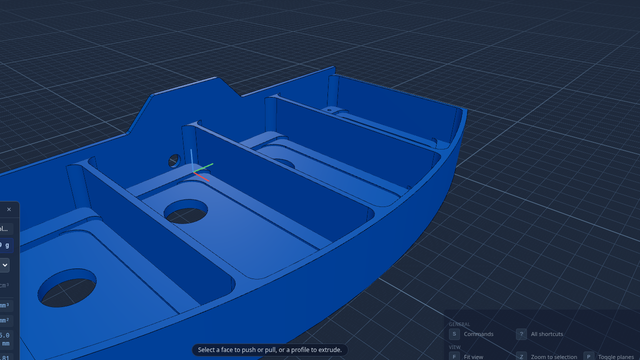
Open a STEP file in your browser
Free, nothing to install, about thirty seconds — and what a STEP file actually is.
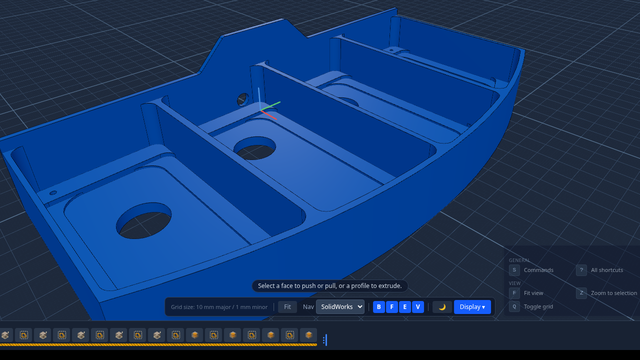
Turn a STEP file back into editable features
Why an imported part is normally frozen, and how Marsam hands you the steps back.
Free CAD with nothing to install
What parametric means, what you get, and how it compares to the other free options.
A Fusion 360 alternative in a browser
What carries over from Fusion, and — just as plainly — what it does that this does not.
Changelog
Newest releases first. Updated as the app grows.
Marsam has a front page of its own. The app moved to app.marsam3d.com — links you have already shared still work, and you will be asked to sign in once more.
Sketching got honest: every drawing tool really attaches to what you snap it to, the angle dimension reports the angle you are actually looking at, and Trim now cuts curves as well as lines.
Save any version straight out as a file. Faces now carry names that survive an edit, so changing an old step still acts on the face you originally picked.
Push or pull any face of an imported part, including one with holes in it. Tapped holes keep their thread through a pattern. Scanned meshes get their own mode. The app puts something on screen in under half a second instead of a white page.
Join, cut and intersect are available from every shape tool and from a right-click. Delete Face is on the right-click menu too. Rounds and bevels on an imported part come back as real Fillet and Chamfer steps you can change or remove.
Reverse-engineering arrived: pockets, bosses, rounds and bevels are found on an imported part and lifted off as steps. Nine identical bosses come off as one step, not nine.
First public release — sketch, extrude, revolve, fillet, and a timeline you can go back into.