A Fusion 360 alternative that runs in a browser
People look for a Fusion 360 alternative for three reasons: the personal-use licence keeps narrowing, the install is heavy, or their machine simply will not run it. Marsam 3D covers the everyday parametric modelling case — free, in a tab, nothing to install.
What carries over
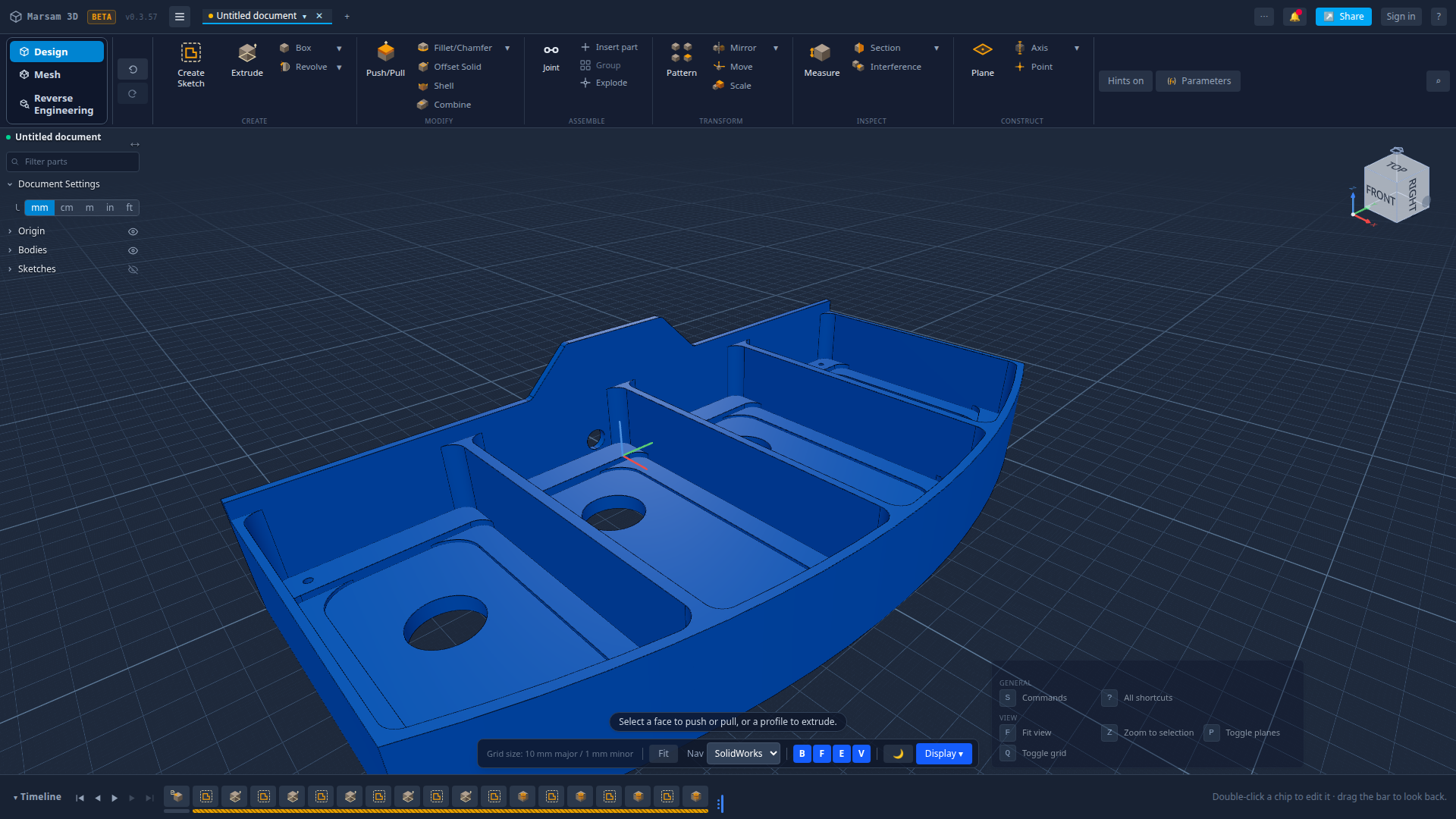
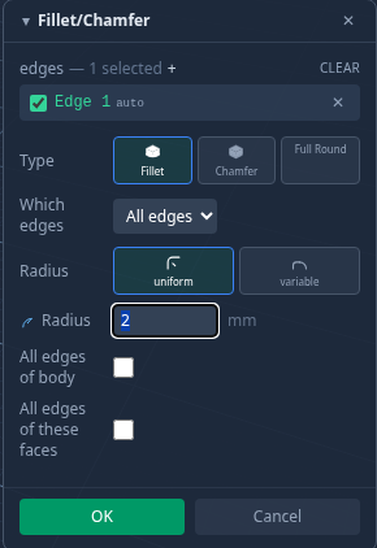
If you know Fusion, the shape of the work is familiar: sketch on a plane, constrain it, extrude or revolve it, then modify with fillets, chamfers, shells, holes and patterns — with a timeline along the bottom that keeps every step editable. Marsam works the same way, including the habit of going back three steps to change a number and letting everything rebuild.
Where it is genuinely different
It opens in a tab
No installer, no sign-in wall to get started, no licence check, and the same app on Windows, macOS and Linux. It also installs as an offline app if you want it in your dock.
Imported parts come back as steps
Bring a STEP file in and Marsam works out how the part was made, then offers to rebuild it as editable features — pockets, holes and profiles you can change, not a frozen body. How that works.
Private by default
Your work stays on your machine unless you choose to save it to an account or make a share link.
What Fusion 360 does that this does not
Being straight about this matters more than winning an argument:
| Capability | Fusion 360 | Marsam 3D |
|---|---|---|
| Parametric part modelling | Yes | Yes |
| Sketch constraints | Yes | Yes |
| STEP import | Yes | Yes, rebuilt as steps |
| CAM and toolpaths | Yes | No |
| Simulation | Yes | No |
| Assemblies with joints | Yes | Parts and bodies only |
| 2D drawings, GD&T | Yes | No |
| Surfacing and sculpting | Yes | No |
| Runs with no install | No | Yes |
If your work needs the rows in the middle, Fusion, SolidWorks or Onshape is the right answer and no browser tab will change that.
Who this is actually for
- Makers and 3D-printing people modelling brackets, enclosures, jigs and adapters.
- Engineers who need to open a supplier's STEP, change one dimension and send it back.
- Anyone whose Fusion personal-use licence stopped covering what they do.
- Students and hobbyists on a machine that will not run heavy desktop CAD.
Other alternatives worth knowing
- Onshape — the closest thing to Fusion in a browser; the free plan makes your documents public.
- FreeCAD — free and deep, desktop install, steep to learn.
- Plasticity — excellent for fast concept modelling, paid, desktop, and deliberately not history-based.
- SolidWorks for Makers — cheap for hobbyists, still a heavy desktop install.
Common questions
What is a good free alternative to Fusion 360?
For everyday parametric part modelling, Marsam 3D runs free in a browser with a feature timeline, sketch constraints and STEP import. FreeCAD and Onshape's free plan are the other serious free options.
Does Marsam 3D do everything Fusion 360 does?
No. Fusion is a much larger product with CAM, simulation, assemblies and drawings. Marsam 3D is focused on parametric part modelling in the browser.
Can I open my Fusion parts in it?
Export a STEP from Fusion and open that. The shape comes across exactly; Marsam then works out the steps that made it so you can keep editing.
Is it really free?
Yes, free to use, with no licence check and no personal-use restrictions to read.
Will my Fusion timeline come across?
Not from the file — no CAD format carries another program's history. Marsam rebuilds a timeline from the shape itself, which is usually close to how the part was actually made.
Try it on your own part
Open a file, change something, export it again. Free, and nothing to install.
Open Marsam 3D