How to open a STEP file in your browser
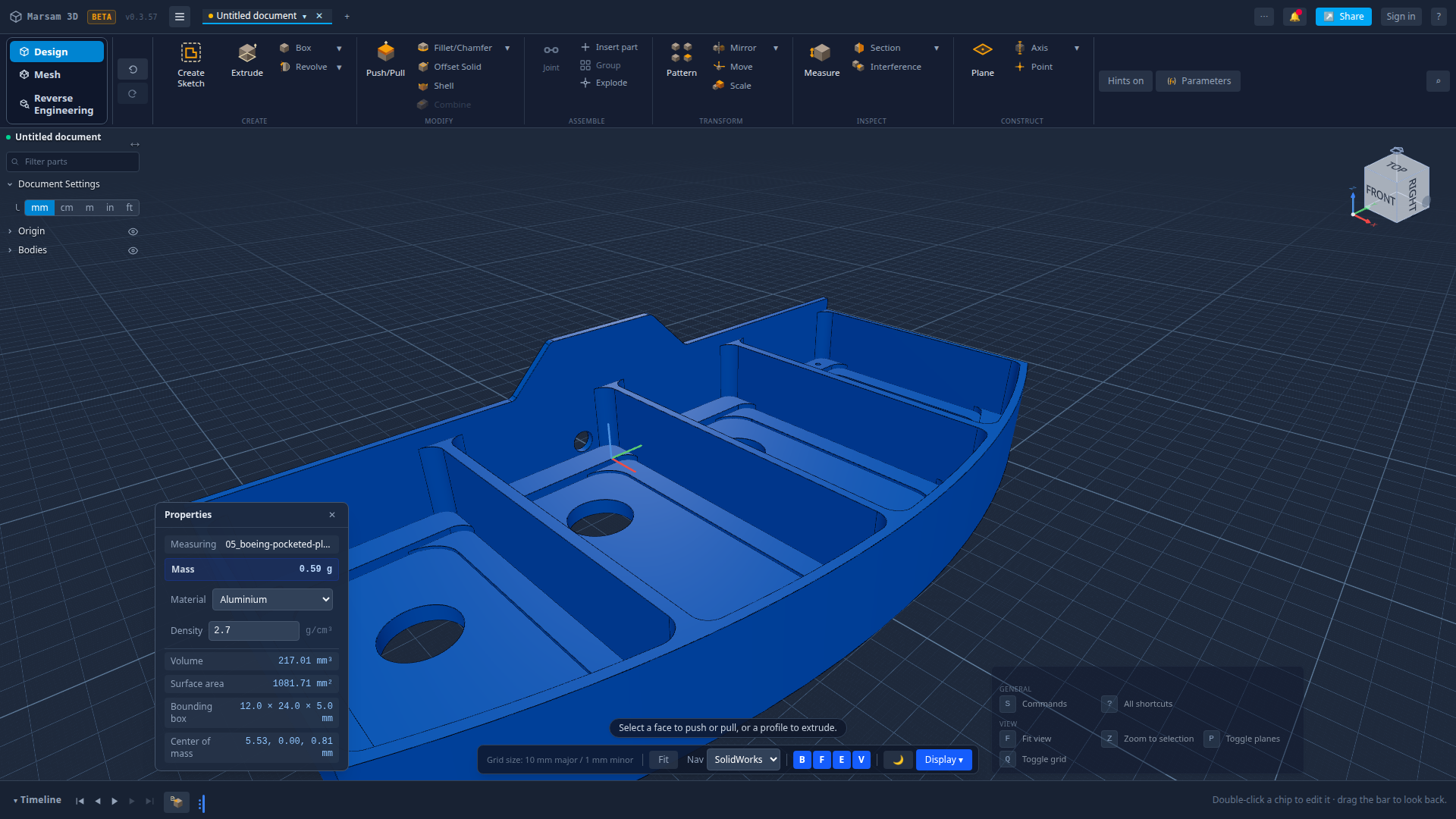
A STEP file is how engineers send a 3D part between different CAD programs. You do not need to buy CAD software to open one. Here is how to do it in a browser tab, in about thirty seconds.
The short version
- Open the appGo to Marsam 3D in any modern browser.
- Find the import commandPress
S, type Import STEP, press Enter. - Pick your fileAny
.stepor.stp. Big parts take a few seconds. - Look at itPress
Fto fit it to the window. Drag to orbit, scroll to zoom.
What a STEP file actually is
STEP (ISO 10303, extension .step or .stp — the same thing) is the
neutral format CAD programs use to hand parts to each other. It describes real surfaces and
solids: a cylinder is stored as a cylinder, not as a few hundred triangles pretending to be
one. That is why a STEP file can be measured and machined from, and an STL usually cannot.
What a STEP file normally does not carry is the recipe — the sketches, the extrusions, the holes, in the order someone made them. That gets left behind when the file is written, which is why an imported part usually arrives as one frozen lump.
What you can do once it is open
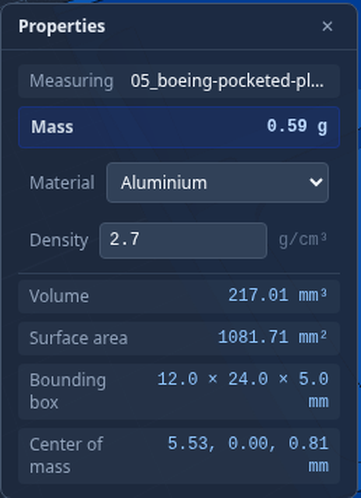
- Look properly. Orbit, zoom, snap to front/top/right, cut a section through it.
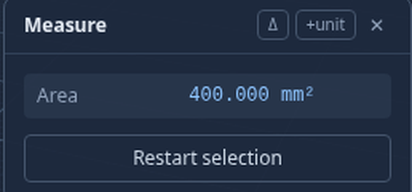
- Measure. Distances, angles and areas off the real surfaces.
- Export it again. STEP, STL, 3MF, OBJ, or a PNG of the view.
- Edit it. Which is the part most viewers cannot do — see below.
Nothing is uploaded. The CAD engine runs inside your browser, so opening a part reads it on your own machine. Your file only leaves your computer if you deliberately save it to an account or make a share link.
Going further: getting the steps back
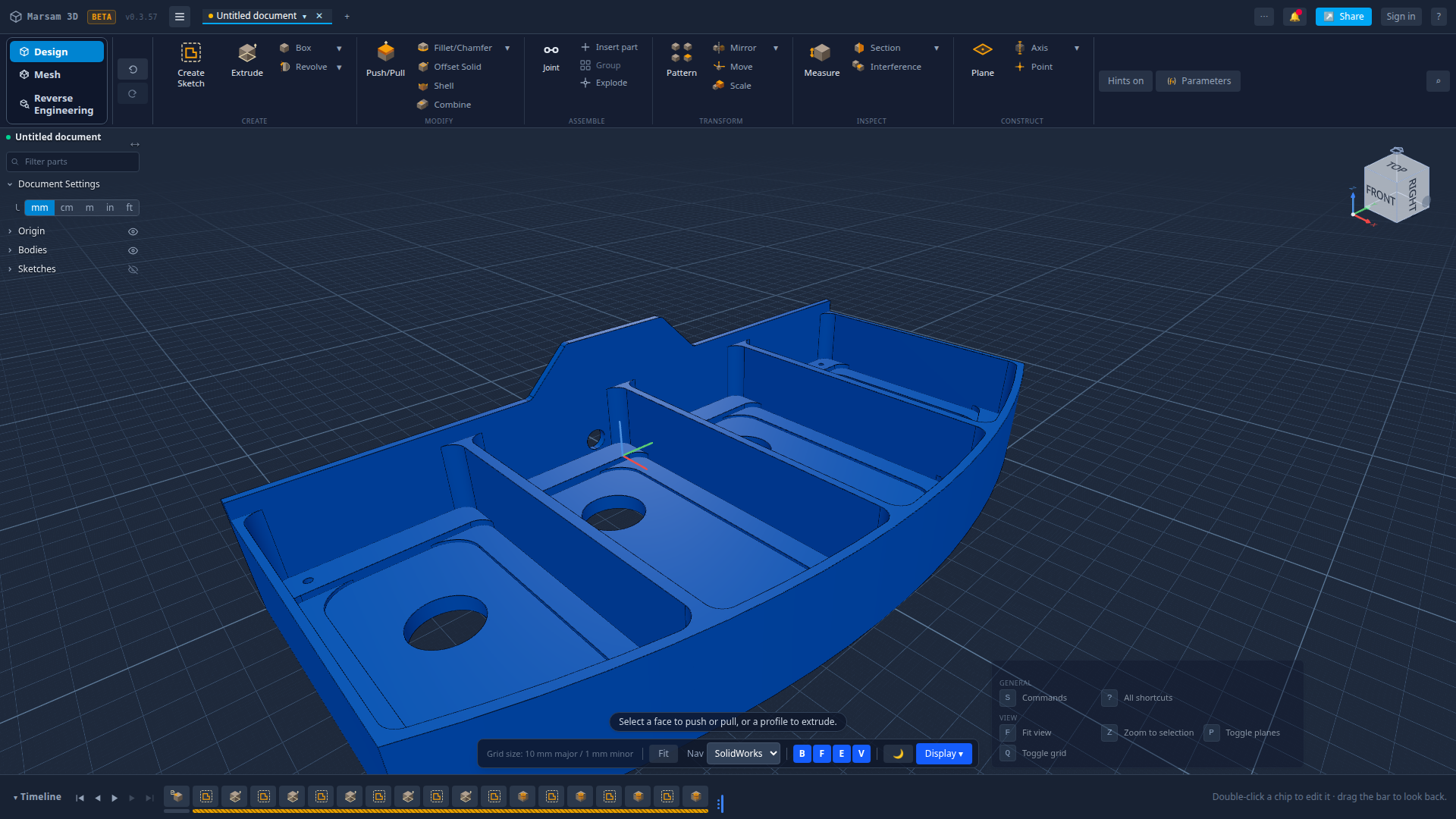
Most viewers stop at looking. Marsam reads the shape, works out how it was probably made, and offers to rebuild it as steps you can edit — change a hole diameter, deepen a pocket, move a profile.
Common questions
Can I open a STEP file without CAD software?
Yes. Marsam 3D opens .step and .stp files in a normal web browser, free, with nothing to install. The file is read on your own machine by the CAD engine running inside the browser.
What is the difference between .step and .stp?
Nothing. They are the same format with two spellings of the extension, both defined by ISO 10303. Some programs write one, some the other.
Is my file uploaded to a server?
No. Opening a part reads it in your browser. A file only leaves your machine if you choose to save it to an account or create a share link.
Can I edit the part after opening it?
Yes. Marsam works out how the part was made and offers to turn it back into steps — pockets, holes and profiles you can change.
Does it work on a phone?
It runs, but CAD wants a mouse and a real screen. A laptop or desktop is the sensible choice.
Try it on your own part
Open a file, change something, export it again. Free, and nothing to install.
Open Marsam 3D